
Slotsvader App Mobile Experience and Usability
A mobile casino should help you reach the right section without turning every visit into a menu hunt. The Slotsvader Casino App experience brings games, promotions, account access, cashier tools, and support into a layout designed for phones and tablets.
Here’s the thing, mobile performance is not identical on every device. Your operating system, browser, memory, connection, and screen size can all affect how quickly pages and games respond.
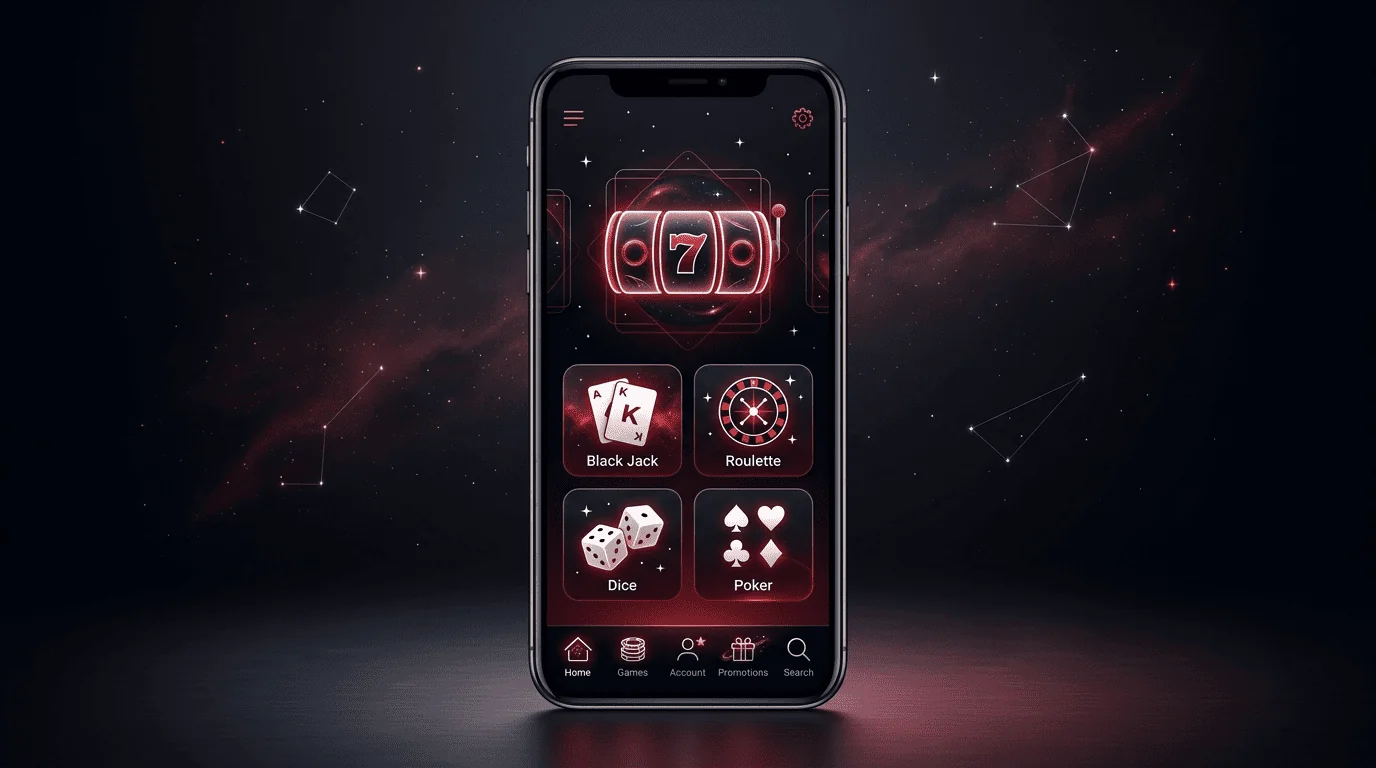
How the Slotsvader Mobile Interface Is Designed
Our mobile interface places frequently used controls close to the bottom or top of the screen. The current navigation can include Home, Promotions, registration access, Tournaments, Achievements, Loyalty, and a wider Menu section.
The layout may change as we update the platform. Use the version shown on your own device as the current reference.
Placement of Main Navigation Elements
The Slotsvader Casino Mobile App layout is built around direct access to the lobby and account functions. A compact navigation bar reduces the need to open a full desktop-style sidebar for every action.
Main controls can include:
- Home for returning to the casino lobby.
- Promotions for checking current rewards.
- Sign Up for creating a new account.
- Tournaments for viewing active competitions.
- Menu for opening additional platform areas.
- Live Chat for requesting assistance.
The central position of registration or account controls makes them easier to find on a smaller display. Other areas can remain inside the main menu until you need them.
Adaptation to Different Screen Sizes
The Slotsvader Casino iOS experience adjusts to iPhone and iPad screen dimensions through the mobile platform. A phone gives you compact navigation, while a tablet provides more room for game cards, tables, and account information.
Game grids may display fewer cards per row on smaller screens. Text labels and controls can also move or resize to remain usable in portrait mode.
| Device Type | Typical Layout Benefit | Possible Limitation |
| Smartphone | Quick one-handed navigation | Less space for game details |
| Large smartphone | Wider game cards | Still compact in portrait mode |
| Tablet | More lobby content on screen | Less convenient to carry |
| Desktop | Detailed account overview | Not designed for mobile use |
We do not publish one fixed layout for every model. Browser settings, display scaling, and device resolution can also change what you see.
Use of Touch Controls Across the Platform
The Slotsvader Casino Android interface uses touch controls for categories, game cards, menus, promotions, and account actions. Buttons should be tapped once and given time to respond before you repeat the action.
Touch accuracy can be affected by screen size, browser zoom, or an overlay from your keyboard. If a button appears too small, return the browser zoom to its standard level.
Avoid tapping several game cards while the lobby is still loading. That can open the wrong title or make the interface feel less responsive than it is.
Speed and Responsiveness During Mobile Use
Mobile speed depends on more than the casino page itself. Your device must load the interface, game images, provider content, account data, and any live stream you decide to open.
We do not promise a universal loading time because real results vary. Testing the platform on your own phone gives you a more useful answer than a generic benchmark.
Loading the Casino Lobby
The Slotsvader App lobby includes game categories, provider content, promotional areas, and account navigation. Some images and game cards may appear progressively as the page loads or as you move through the catalogue.
A stable connection helps the lobby display more smoothly. Closing unused applications can also free device resources before a longer session.
| Lobby Issue | Possible Cause | Practical Fix |
| Game cards appear slowly | Weak connection | Switch to a stronger network |
| Blank images | Page still loading | Wait or refresh once |
| Menu responds late | Low device memory | Close background applications |
| Categories do not update | Stored browser data | Reopen the page |
| Page repeatedly reloads | Cookie or session conflict | Check browser settings |
Refresh only after giving the page time to finish. Repeated reloads restart the same process and rarely make it faster.
Opening Games and Account Pages
The Slotsvader Casino App connects you with casino games supplied by different providers. A simple profile page can load differently from a feature-heavy slot or live dealer stream.
Standard slots generally need fewer network resources than real-time tables. Account pages may also take longer when they are retrieving transaction history, bonus status, or verification information.
If one game is slow while the rest of the platform works normally, the issue may relate to that provider or title. Try another game before changing browser settings.
Switching Between Platform Sections
The Slotsvader Mobile App lets you move between the lobby, promotions, tournaments, profile tools, support, and other available areas. Switching should feel smoother after the initial page elements have loaded.
Returning to the lobby may not require every image to reload from the beginning if your browser session remains active. Clearing all website data removes this advantage and should be reserved for repeated technical problems.
Use the main navigation rather than the browser back button when possible. This can help you stay inside the active casino session.
Usability Features for Returning Players
Returning players often value fewer steps more than a decorative feature list. Saved credentials, shortcuts, favourites, recent activity, and direct account tools can make repeated visits easier where those options are available.
These tools remain connected to your profile and device settings. They should be used carefully on shared hardware.
Saved Login and Quick Account Access
A Slotsvader Casino Login session uses your registered email or username and current password. Google sign-in may also be displayed where available.
Your browser or password manager can save credentials on a private device. This reduces typing, but outdated autofill can cause access failures after you change the password.
- Save credentials only on a locked personal device.
- Check which email autofill has selected.
- Update stored information after a reset.
- Avoid remaining signed in on shared hardware.
- Use the official account page every time.
Biometric approval may work through your phone or password manager. It is generally a device-side convenience rather than a separate casino authentication feature.
Favourite and Recently Played Games
The Slotsvader App can make repeated game discovery easier through favourites or recent activity where these tools are shown. They reduce the need to search through the full lobby during every session.
A saved title may still become unavailable because of provider maintenance, regional access, or catalogue updates. Favourites do not guarantee permanent game availability.
Recent activity can also help when you report a technical issue. Note the title and approximate playing time before contacting support.
Fast Access to Cashier and Support
The Slotsvader Casino Mobile App keeps account-related sections close to the lobby. You can check available payment methods, account messages, promotional status, and support access without moving to a computer.
Mobile cashier access follows the same account rules as desktop use. Verification, payment ownership checks, and promotional wagering can still affect a withdrawal request.
Before completing a payment, confirm that:
- The correct account is active.
- The displayed method is available to you.
- The currency and amount are correct.
- The connection is stable.
- No verification notice requires attention.
Use Live Chat or the official support route if the cashier displays an unclear message. Never share your password with the support team.
Testing Slotsvader on a Personal Device
The best way to assess mobile usability is to open the official platform on the device you intend to use. You can review the public lobby and navigation before committing to a longer session.
Test normal actions rather than tapping through every page at once. Open the lobby, browse categories, check an account form, and return to the main navigation.
Moving to the Main Platform
Open the official website through an updated mobile browser. If the Slotsvader Casino App route is shown on the platform, follow only those official instructions.
Do not use unrelated APK portals or copied download pages. Browser play remains a practical alternative if you prefer not to add app-style access.
Complete Slotsvader Casino Login only after confirming that you are on the correct page. A successful session should display personal account information rather than only the public lobby.
Checking Page Speed on Wi-Fi and Mobile Data
The Slotsvader Casino Android experience may behave differently on Wi-Fi and mobile data. You can test both connections, but avoid switching networks while making a payment or uploading verification documents.
A simple test can include:
| Test Action | What to Observe |
| Open the main page | Initial loading time |
| Browse a category | Response to navigation |
| Open a game page | Provider loading behaviour |
| Return to the lobby | Whether content reloads |
| Open support | Availability of chat tools |
One slow test does not establish normal performance. Network congestion or temporary provider maintenance can affect a single visit.
Testing Portrait and Landscape Modes
The Slotsvader Casino iOS platform can be tested in both portrait and landscape orientation. Portrait mode may be more convenient for navigation, while landscape mode can provide more room for certain games.
Some titles control their own orientation after opening. The casino lobby and the game interface may therefore behave differently.
Turn off orientation lock if the screen does not rotate when expected. On iPad, landscape mode can be especially useful for live tables and detailed account pages.
Factors That May Affect Mobile Performance
A slower session does not always mean the entire platform has a problem. Software version, available memory, connection quality, and background activity can all affect responsiveness.
Check one factor at a time. Changing several settings together makes it harder to identify the real cause.
Browser and System Version
The Slotsvader Casino iOS experience is more likely to display correctly when iOS and Safari are current. Another updated browser can also work, but Safari may handle Apple-specific prompts more consistently.
Outdated software can cause form display errors, login loops, or game compatibility problems. Restart the browser after a major update before testing again.
We do not publish unsupported minimum-version claims. Your current official mobile route should provide the most relevant compatibility information.
Available Device Memory
The Slotsvader Casino App may use more device resources when the lobby contains many game cards or when a live stream is active. Low available memory can cause delayed touch response, reloaded tabs, or frozen animations.
Close video applications, social networks, and unused browser tabs before playing. Keeping some storage free can also help the operating system manage temporary files.
Lowering screen brightness can reduce battery use during a longer session. It does not improve processing speed directly, but it can make mobile play more practical away from a charger.
Network Stability and Background Applications
The Slotsvader Mobile App relies on a stable connection for account updates, game loading, and live content. Temporary signal loss can interrupt a provider session even when the lobby remains visible.
Background downloads, cloud backups, or streaming applications can compete for bandwidth. Pause them before entering live casino tables or submitting a payment request.
If the connection fails during a game, return to the account only after the network is stable. Check game history or contact support if you believe a round was interrupted incorrectly.
Is the Slotsvader Mobile Experience Convenient?
Mobile access is most useful when you value quick visits, flexible game browsing, and account management away from a computer. A larger screen remains more comfortable for certain tasks.
The right choice depends on your routine. Use your phone for convenience and switch to a tablet or computer when you need more space.
Use During Short Sessions
The Slotsvader App can suit short sessions because the main lobby, promotions, and account tools are available from one device. Search and category navigation reduce the time needed to find a title.
Set a budget and time limit before starting, even when you intend to play briefly. Fast access should not turn a short visit into an uncontrolled session.
Reality Check reminders may help you track how long you have been playing. Account break options are also available when you need time away.
Account Management Without a Computer
A Slotsvader Casino Login session can give you access to profile details, promotional information, cashier tools, and support from mobile. You can also check account messages and verification requests.
Some document uploads can be easier from a phone because you can take a clear photograph directly. Larger screens may still be better for comparing detailed transaction records.
The Slotsvader Casino Login process follows the same security principles on every device. Use a private connection and log out when another person can access the phone.
When a Larger Screen May Be Preferable
The Slotsvader Casino iOS experience on an iPad can provide more space for live streams, table controls, and game information. Desktop use can be more practical for reading long terms or reviewing several transactions.
A larger display may be preferable when you need to:
- Compare several promotion conditions.
- Upload and inspect verification documents.
- Review detailed payment history.
- Use live tables with small controls.
- Read complete game rules.
Mobile convenience and screen comfort serve different purposes. You can switch between devices without creating another account.
The Slotsvader App remains a practical route for normal mobile access, while the official browser version provides a useful alternative. The Slotsvader Casino App should always be opened through the official platform rather than an unknown source.
Complete Slotsvader Casino Login when you need personal account features. Public game browsing alone does not confirm that your player session is active.